

We have been using Secure Vouchers to print our FluVouchers since the inception of the concept a number of years ago and they have always prove quick, reliable and cost effective
J Peter MillsSecure Vouchers are security gift voucher printers, with clients ranging from small independents to High Street retailers and everybody in-between. Supplying your own gift vouchers is an excellent way to increase footfall, improve loyalty and maximise revenue for your business.
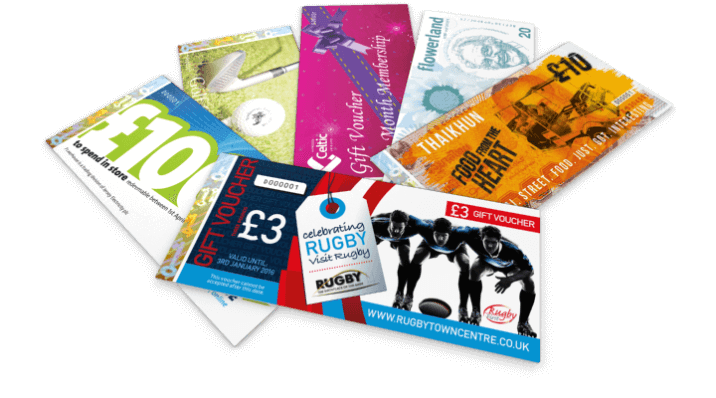
If you’re considering printing gift vouchers for your company, then you have come to the right place. We can work with you to create a unique personalised gift voucher, whether you have your own design or you require us to create a custom one for you. We aim to make the process of gift voucher printing simple and affordable, and even provide a FREE no obligation proof of your personalised gift voucher design. With a low minimum order quantity of just 200 gift vouchers, you can easily try them out for yourself and see how they can benefit your business. It’s easy to order your gift vouchers online, but if you prefer, you can call us on 01215079608, and a member of our gift voucher printing team will be delighted to assist you.
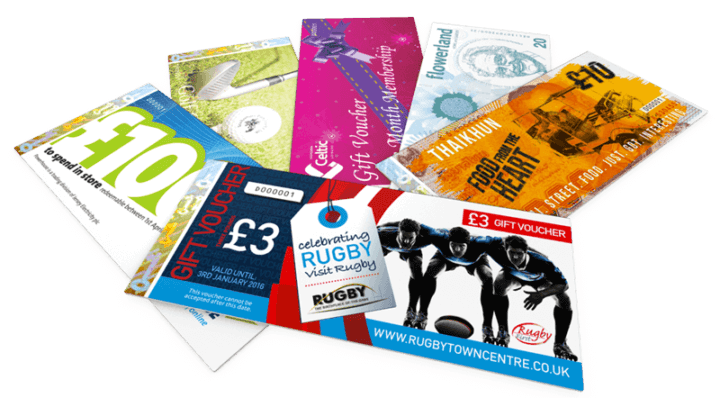
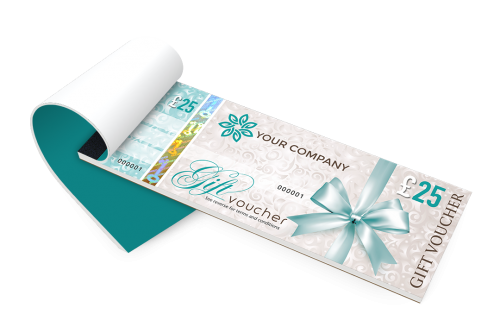
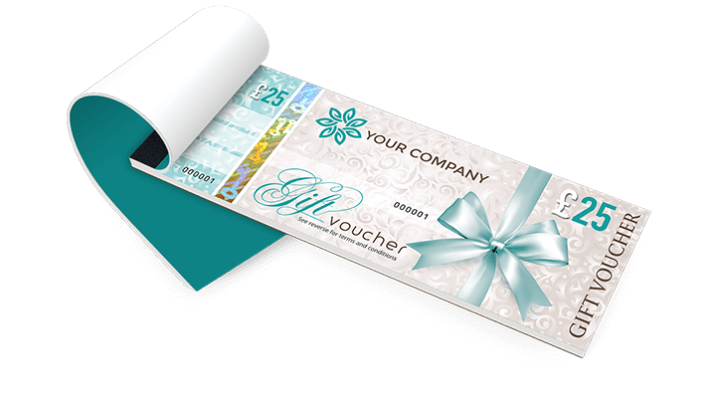
A gift voucher is effectively cash to your business, and as such, it should be every bit as secure as cash to prevent the damage caused by unauthorised duplication. To protect your business, we include security features as standard, including a hologram, watermarked paper, security inks and numbering. More…